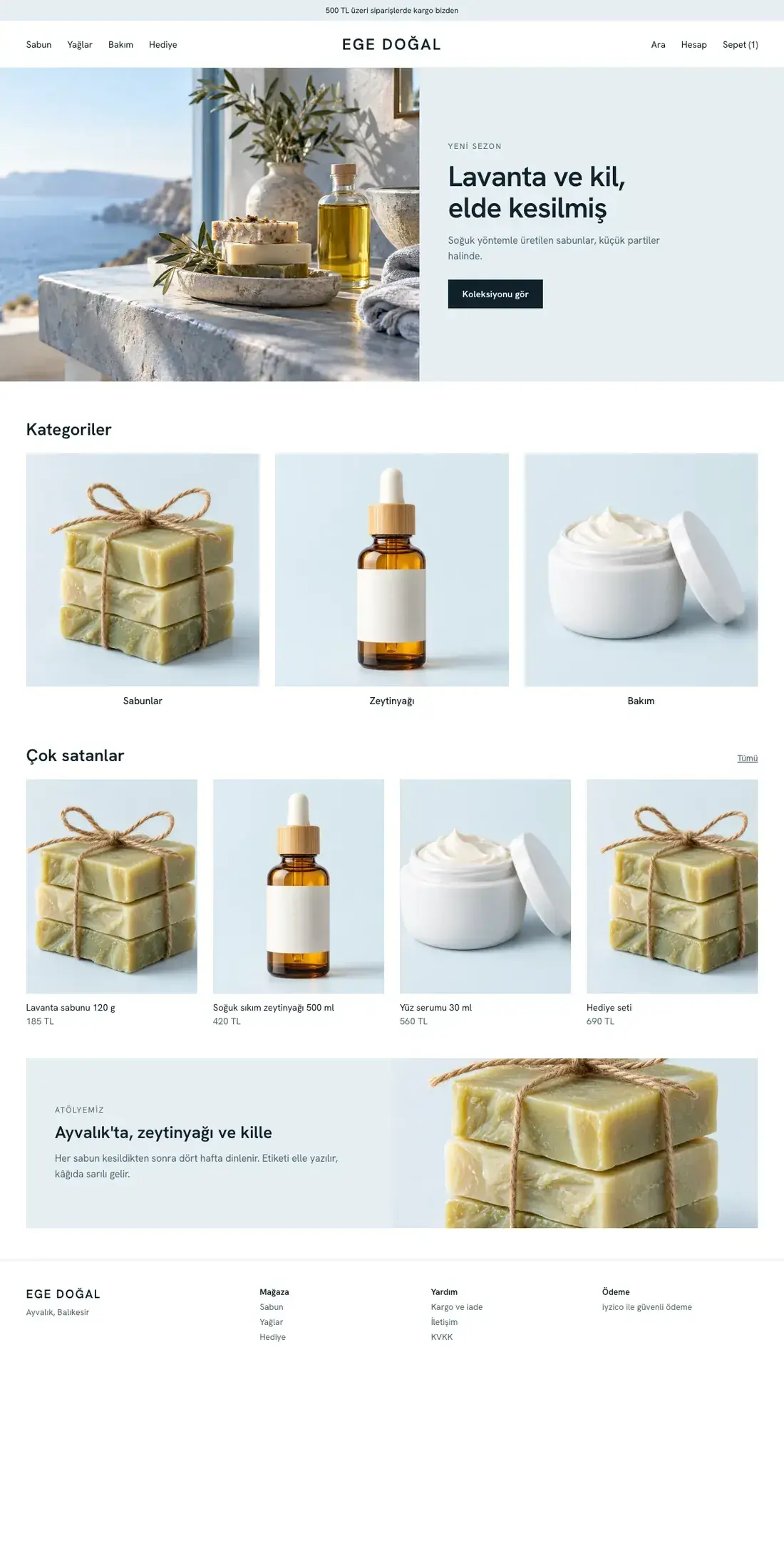
Theme design shown with sample photos and content.
Best for: Natural cosmetics, care
An airy storefront where your products stand out through large images and generous spacing.
YOUR STORE'S LOOK
Nine ready-made themes: browse their colors and page layouts, filter by your sector, and compare two or three themes side by side.
Registration is free and does not start a payment or subscription. Purchasing is not open yet.
Theme design shown with sample photos and content.
Best for: Natural cosmetics, care
An airy storefront where your products stand out through large images and generous spacing.
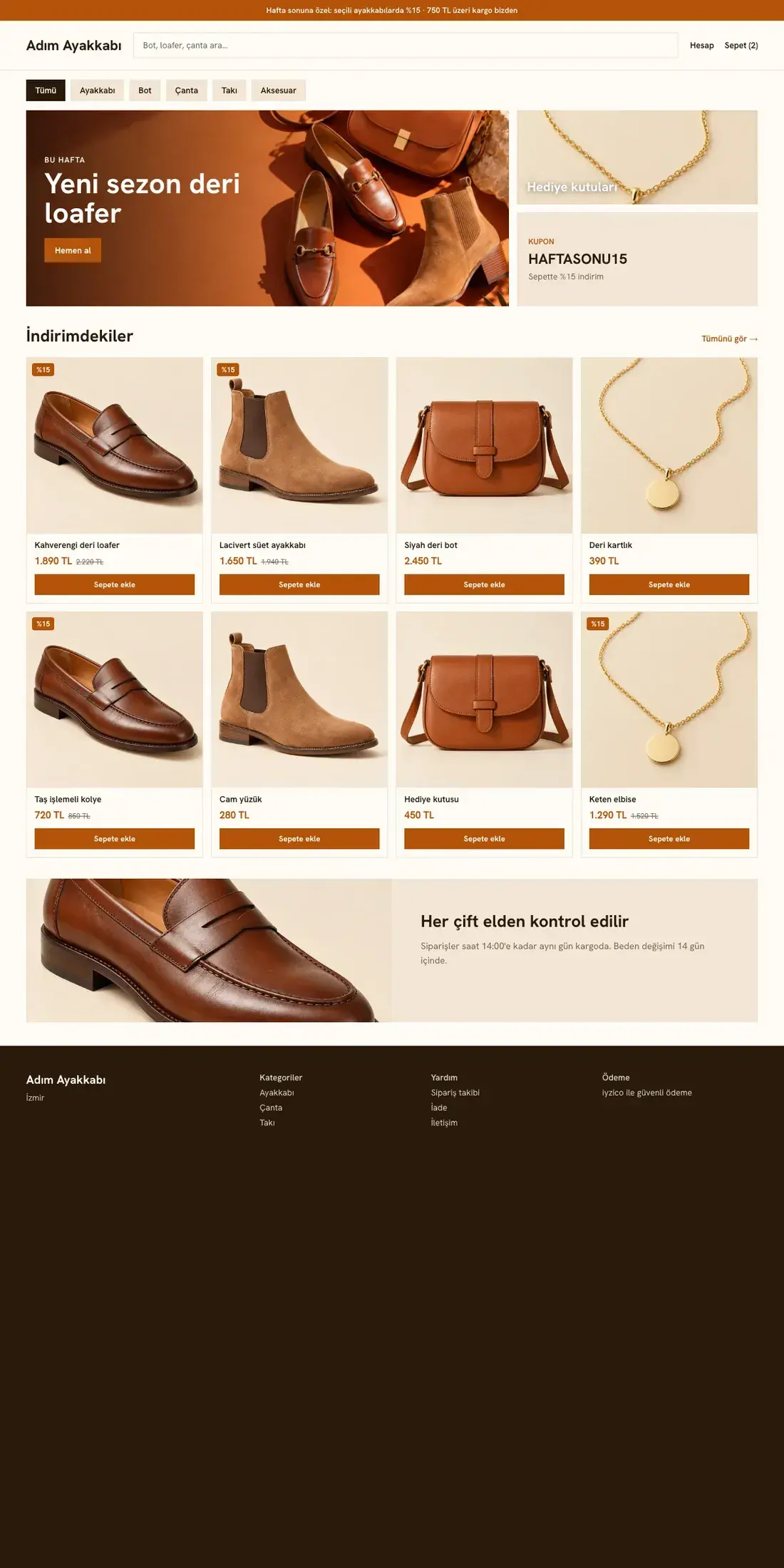
Theme design shown with sample photos and content.
Best for: Shoes, jewelry and accessories
A campaign banner, search and a dense product grid. For large catalogs and stores that run frequent campaigns.
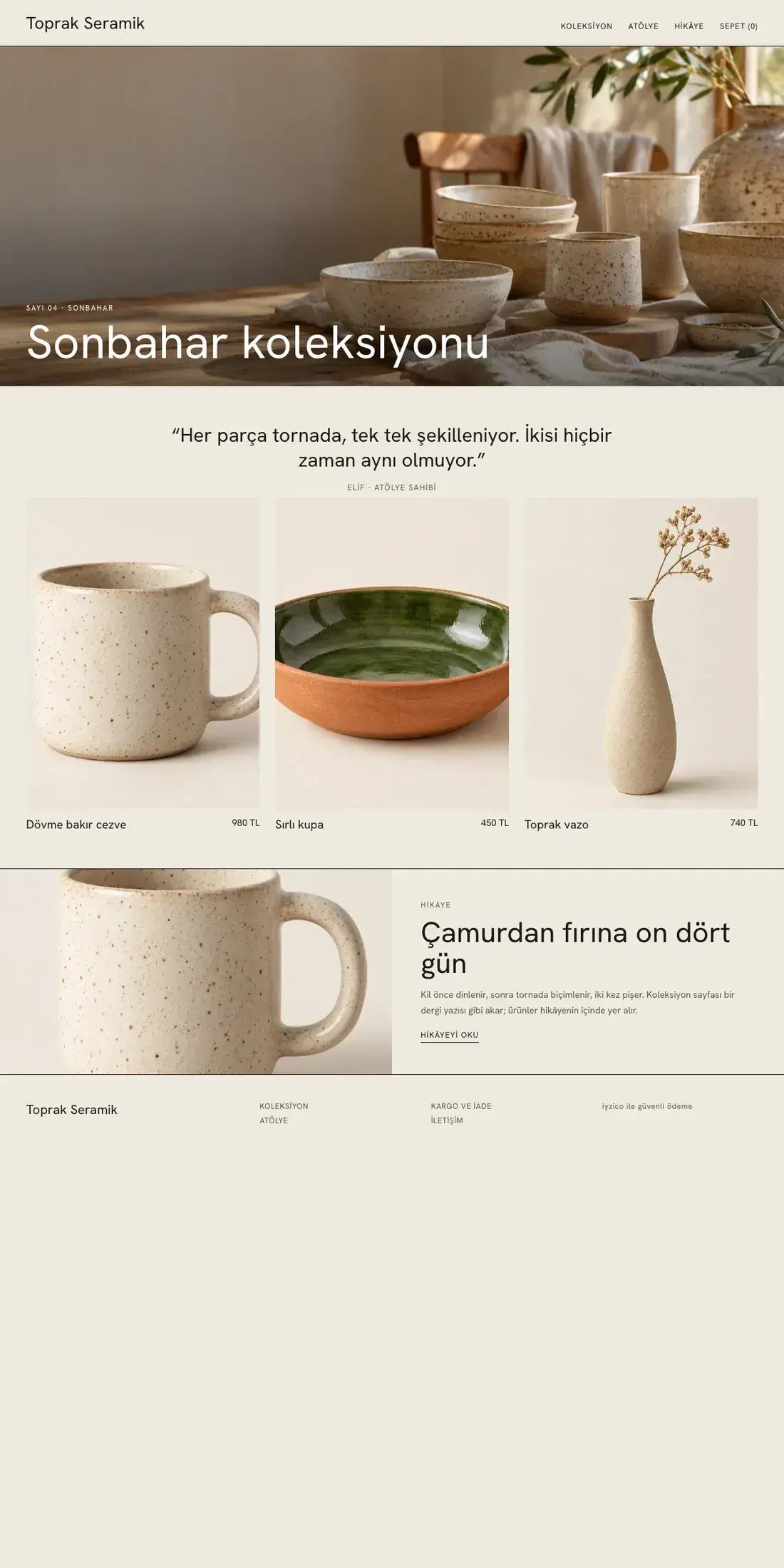
Theme design shown with sample photos and content.
Best for: Handmade, ceramics
Clean lines, a wide cover and a collection page that flows like a magazine.
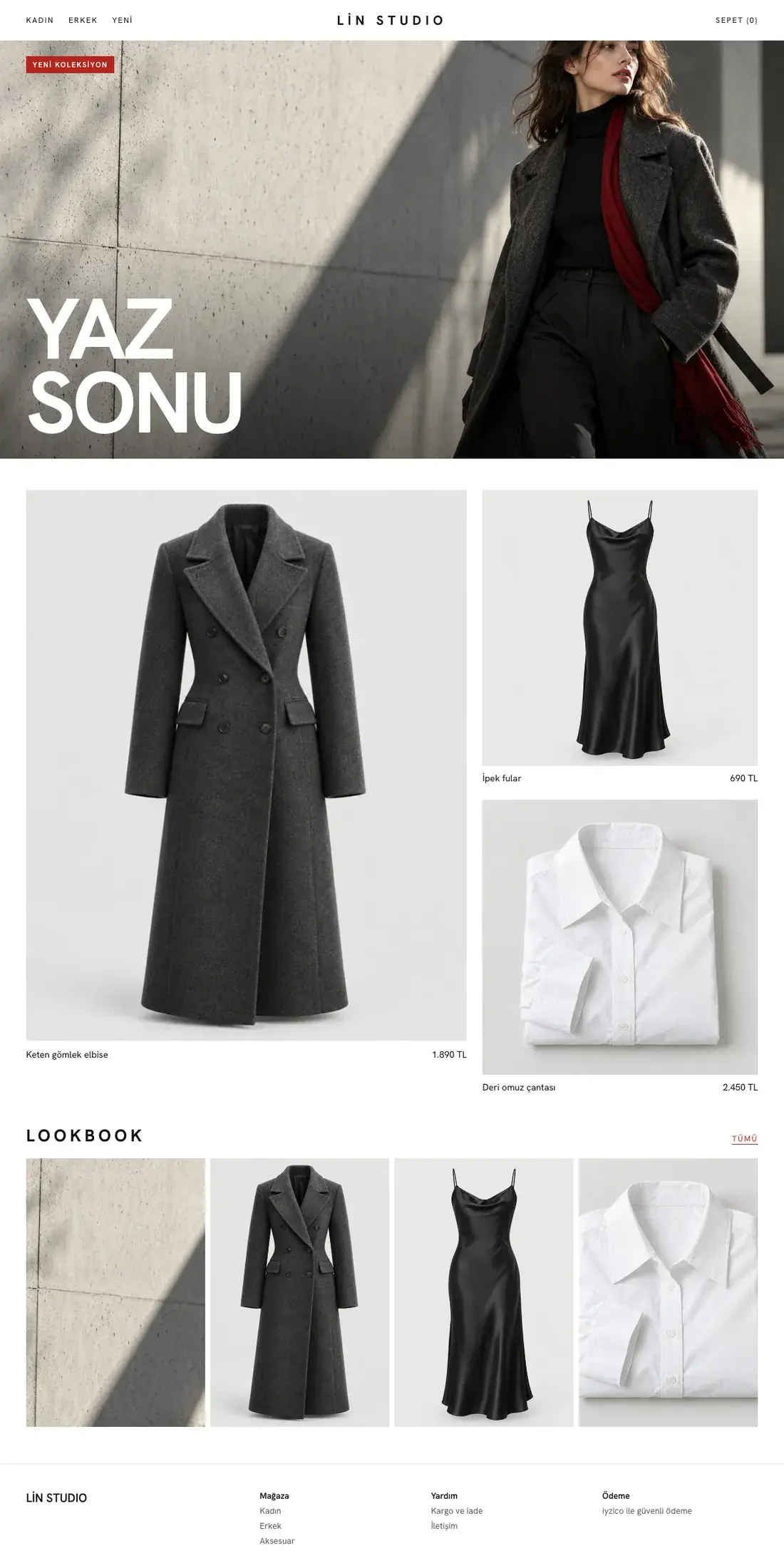
Theme design shown with sample photos and content.
Best for: Fashion, boutique clothing
A full-screen editorial cover, giant uppercase headings and an asymmetric product layout. For fashion stores that tell a story each season.
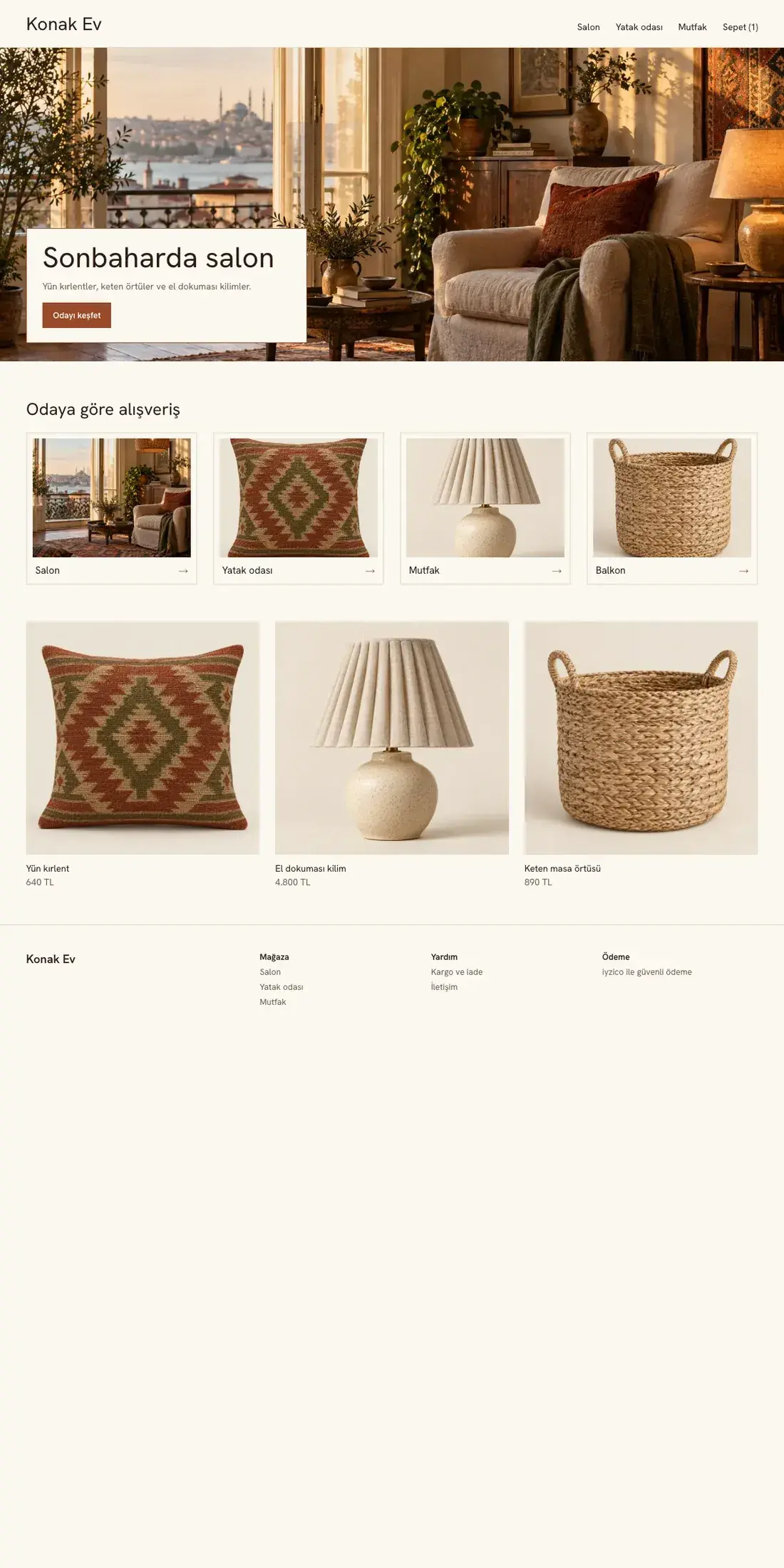
Theme design shown with sample photos and content.
Best for: Home and decor
A warm storefront that opens with a room scene. Products are grouped by room.
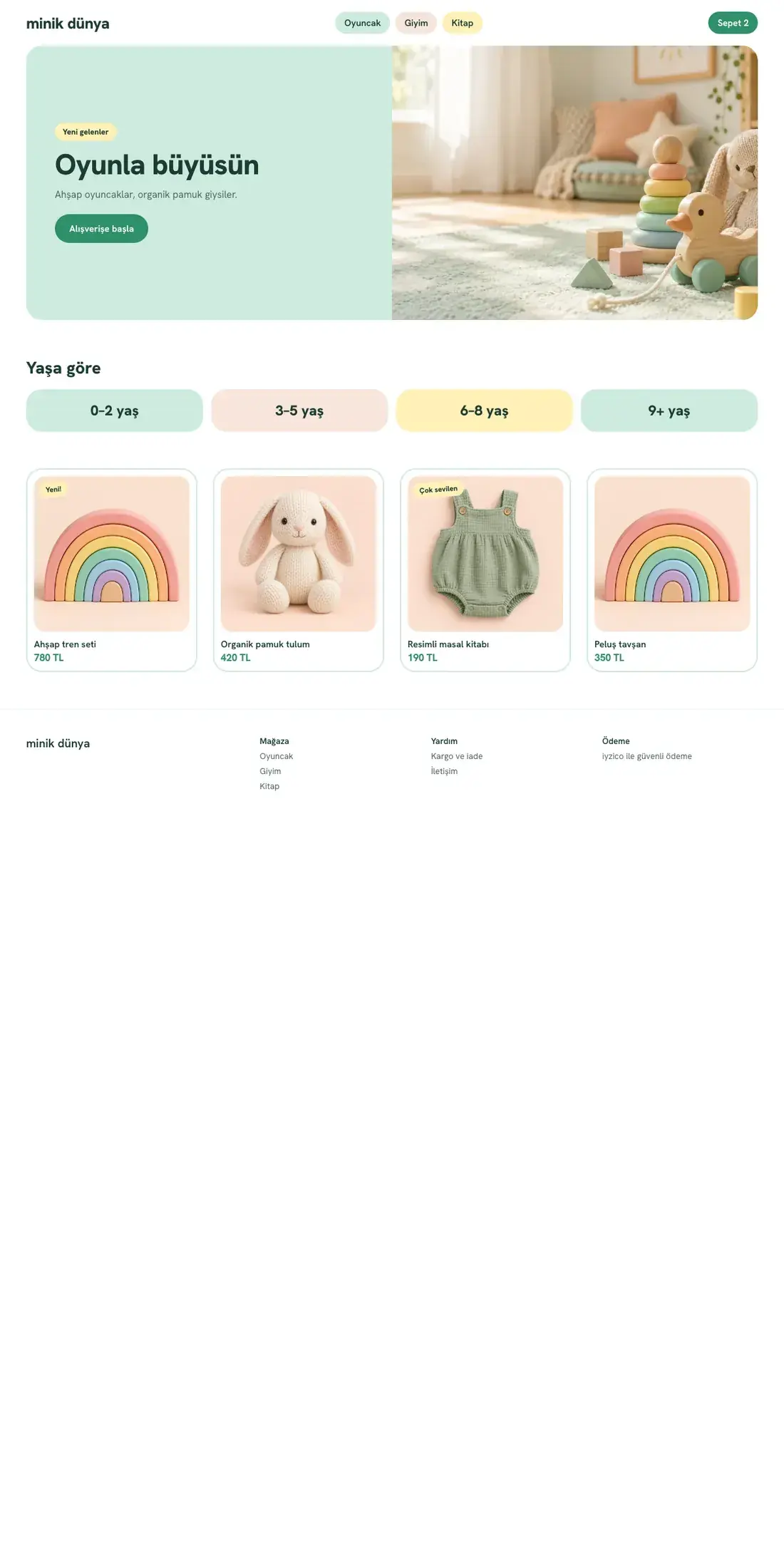
Theme design shown with sample photos and content.
Best for: Kids and toys
Large corners, pastel colors and category chips. A cheerful storefront for stores that sell children's products.
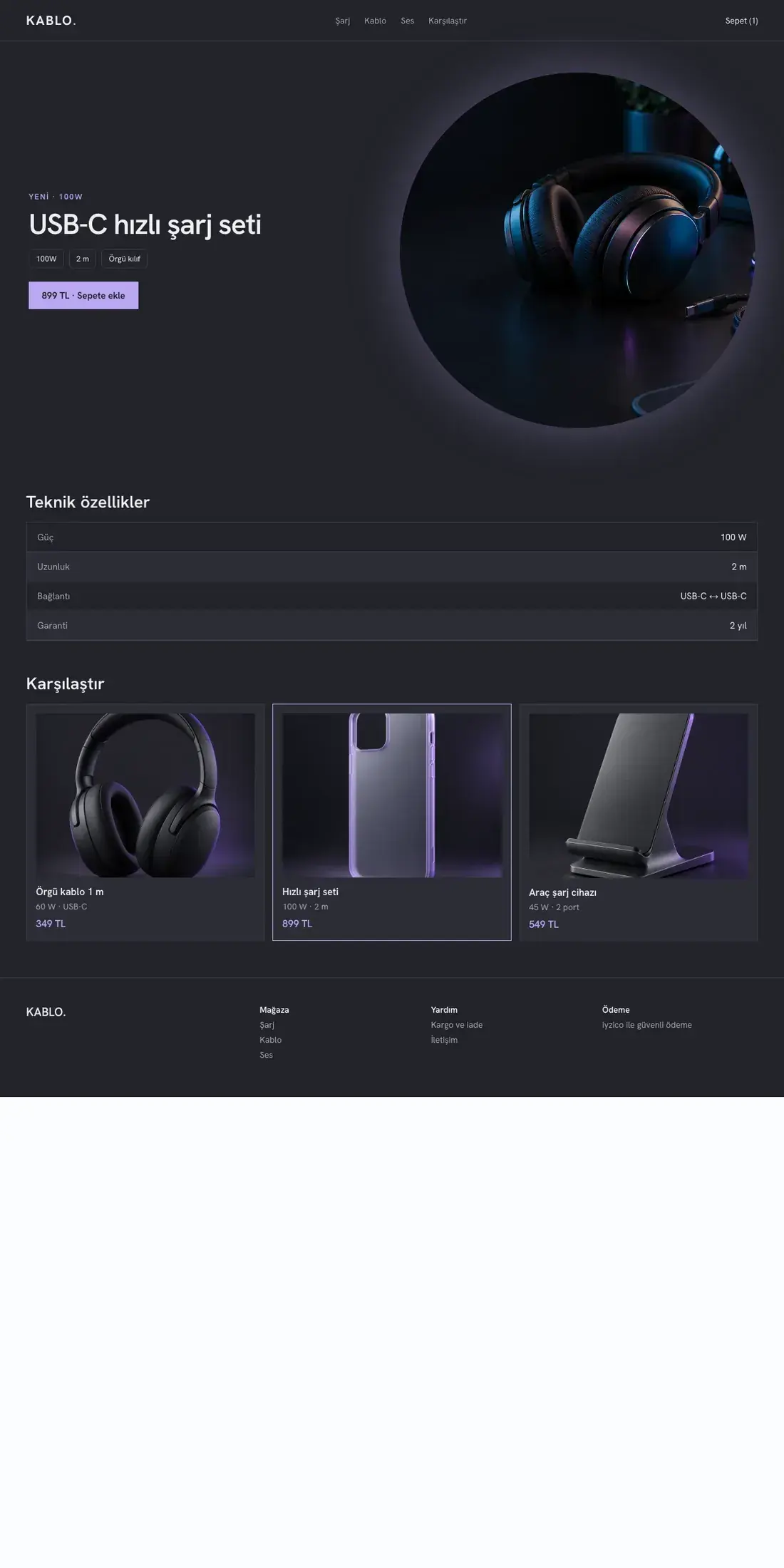
Theme design shown with sample photos and content.
Best for: Tech accessories
A dark background, technical spec rows and a comparison strip. For stores that explain a product with numbers.
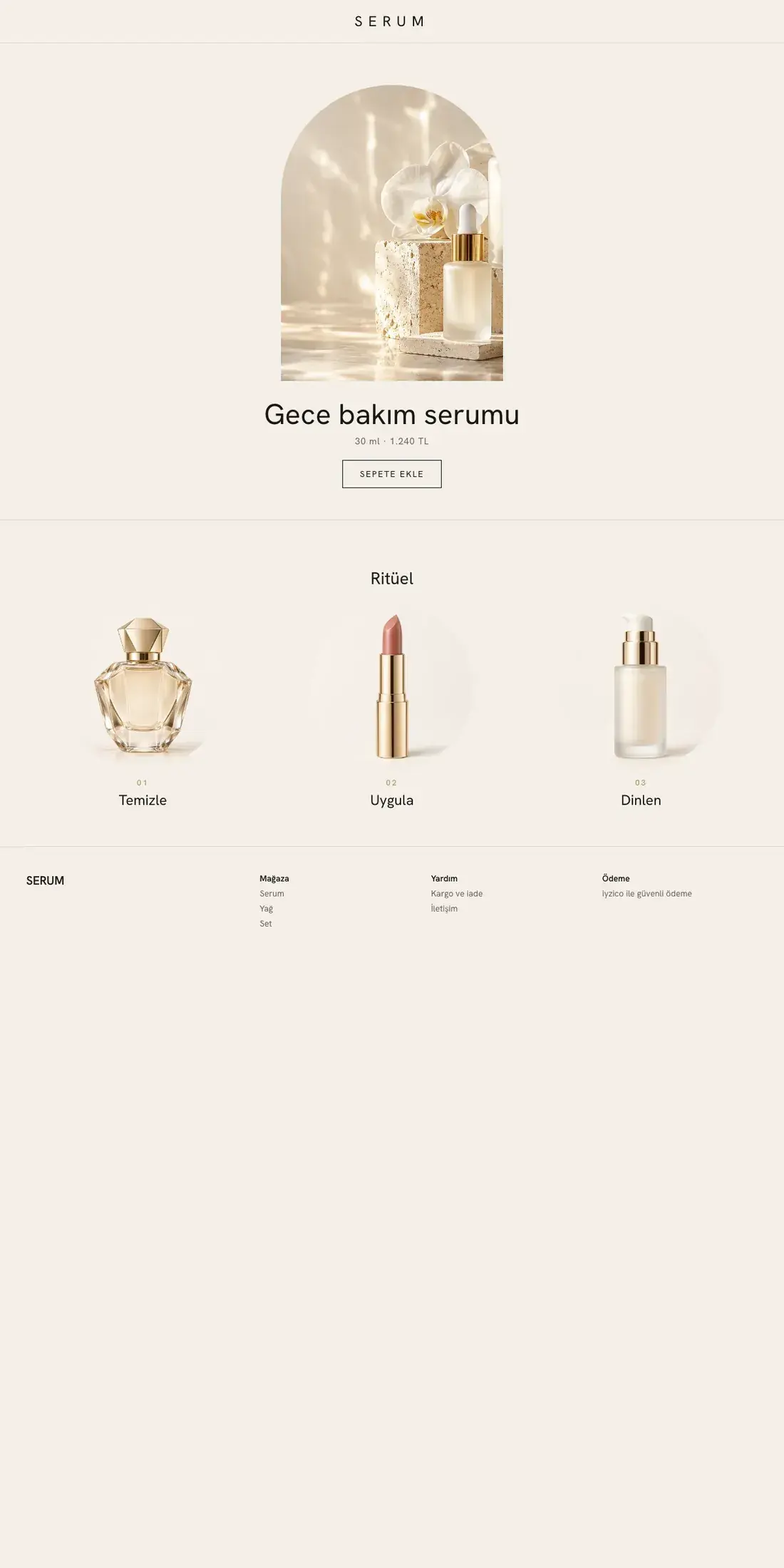
Theme design shown with sample photos and content.
Best for: Luxury cosmetics
Very simple: a single image in an arched frame in the center, thin type and ritual steps below.
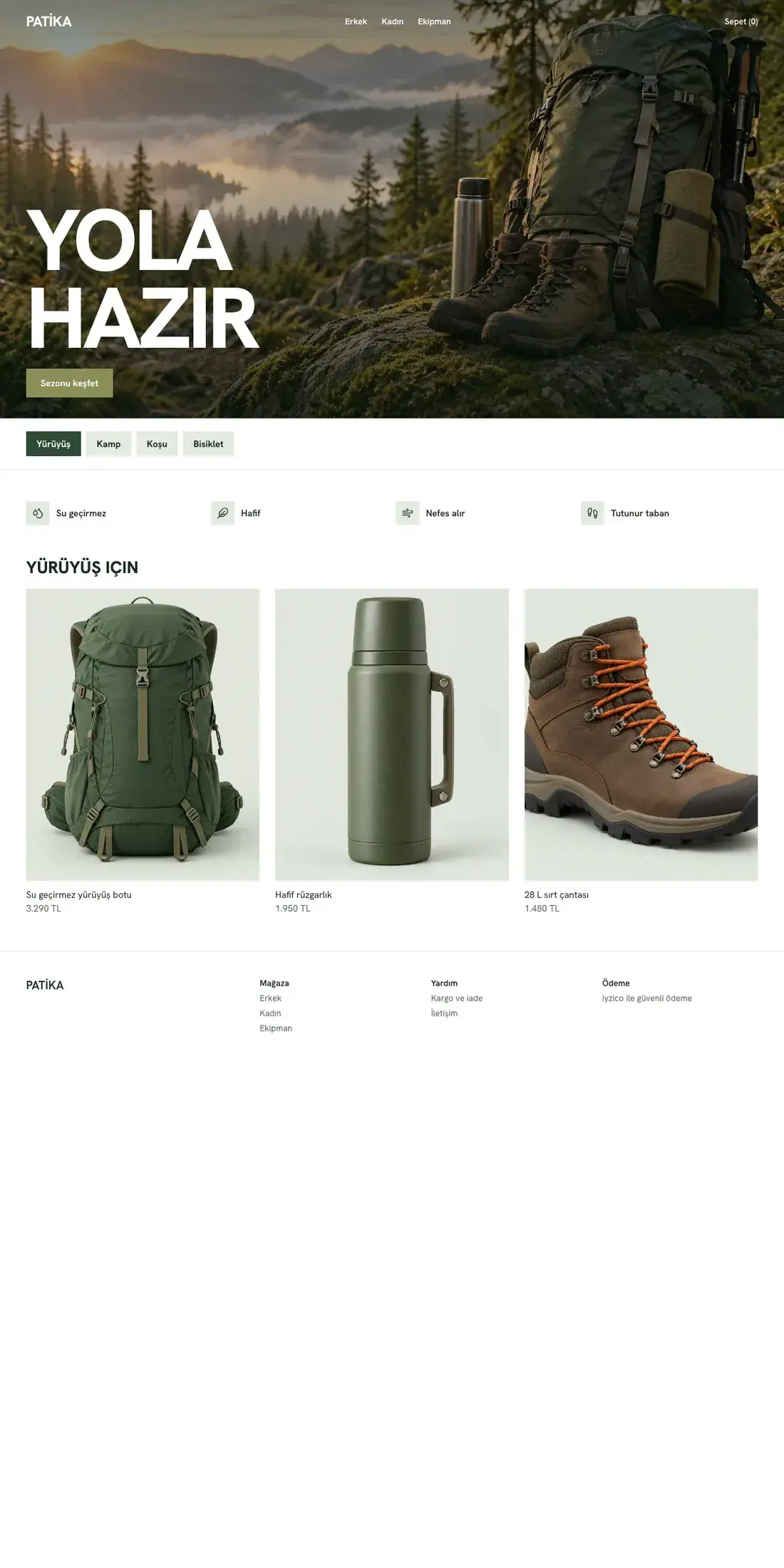
Theme design shown with sample photos and content.
Best for: Outdoor and sports
A bold heading over an action cover, tabs by activity and features with icons.
Below are the themes in different color presets. Click one to open its full-screen preview.
Add two or three themes from the cards to compare them.
Theme design shown with sample photos and content: the desktop and mobile home page, prepared with a sample store name, sample photos and sample products; it does not show a real store, product or price. Hover over a card and the page slowly slides down. Sector labels are suggestions; no theme is locked to a sector.
STEP BY STEP
Filter themes by your sector, number of products and storytelling style. Labels are suggestions; you can use any theme you like.
See page layouts, color palettes and catalog size side by side.
After setup, choose your theme in store management and edit the page blocks with your own products and text. When you are ready, publish and confirm; you can change your theme later.
Page layouts that adapt to phone and computer screens.
Content you edit with saved blocks such as text, images and product lists.
Product details, options and the add-to-cart flow.
Search your catalog by product or brand name.
Browse your products by category.
Manage page titles and descriptions.
After registration and setup, you can choose your theme the first time you sign in to store management. The looks on this page are examples; no theme choice is saved here. Purchasing is not open yet.
Yes. In store management you can create a different theme, edit its page blocks and preview it. Saving a draft does not change your store; changes appear once you publish and confirm them.
No. The previews are drawings of each theme's page layout and colors. They contain no products, prices or store content. You prepare your store with your own products, images and text.
No. Sector, catalog size and style labels are suggestions; every theme can be used in any sector.
Registration is free and does not start a payment or subscription.
Purchasing is not open yet.